Free Ground Shipping
for web orders over $50

Are you using Microsoft Office 2016 for Mac products and need a handout that shows you the most important things you need to know? A cheat sheet that shows the most efficient ways to do things, and the best shortcuts? Our laminated quick reference guides are ideal for end users and trainers alike, whether as a handout for students, or simply a useful desk reference.
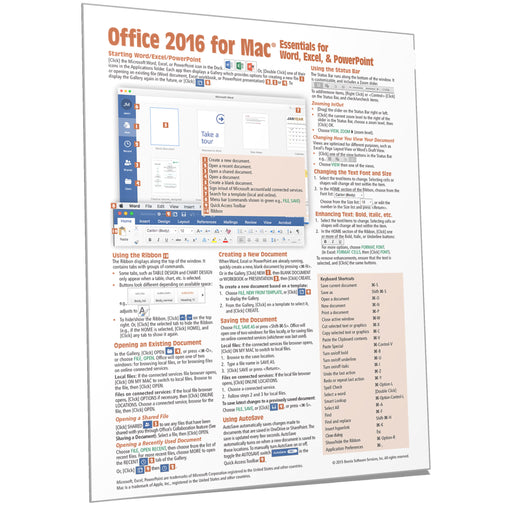
Laminated quick reference card showing step-by-step instructions and shortcuts for how to use features of Microsoft Office 2016 for Mac that are co...
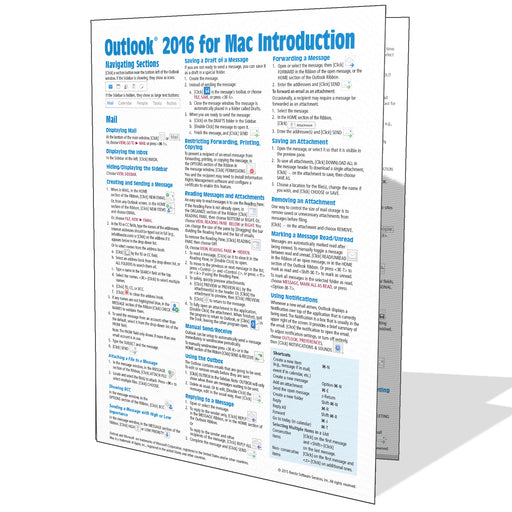
View full detailsThis 4-page laminated Microsoft Office Outlook 2016 for Mac quick reference guide showing step-by-step instructions and shortcuts for how to use ma...
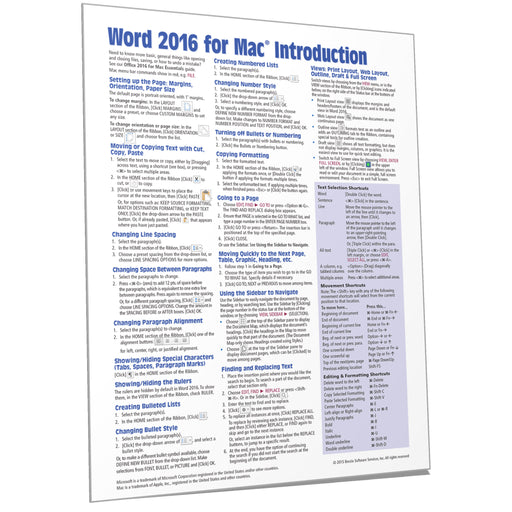
View full detailsLaminated quick reference card showing step-by-step instructions and shortcuts for how to use Microsoft Word 2016 for Mac. The following topics are...
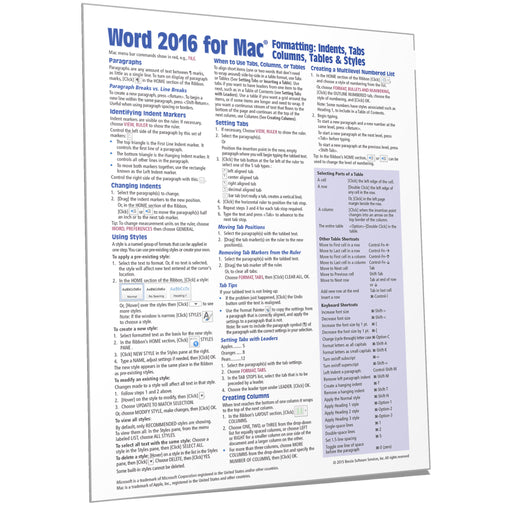
View full detailsQuick reference guide showing step-by-step instructions and shortcuts for how to use indents, styles, tabs, columns, and table features in Microsof...
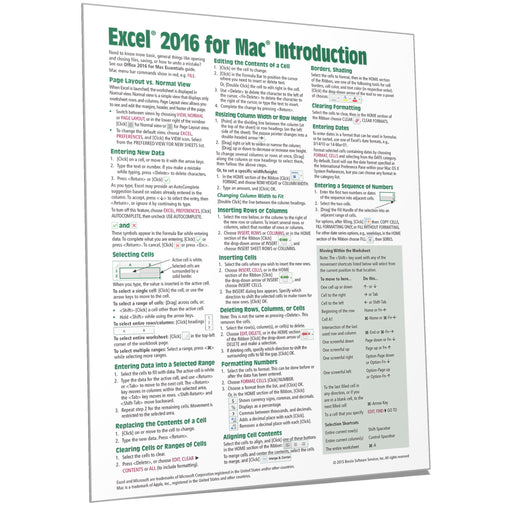
View full detailsLaminated quick reference card showing step-by-step instructions and shortcuts for Microsoft Excel 2016 for Mac.The following topics are covered: P...
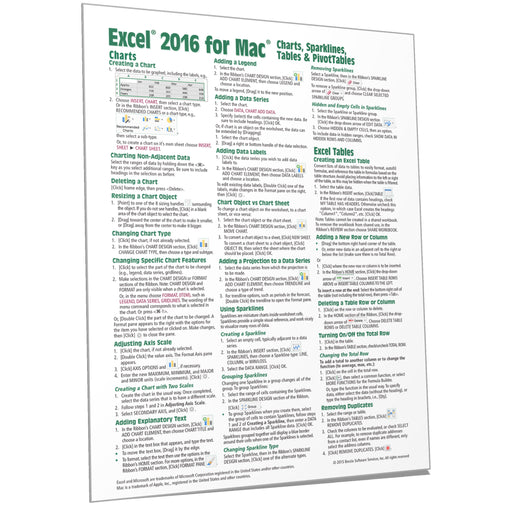
View full detailsLaminated quick reference card showing step-by-step instructions and shortcuts for charts (graphs), sparklines, tables and PivotTables features of ...
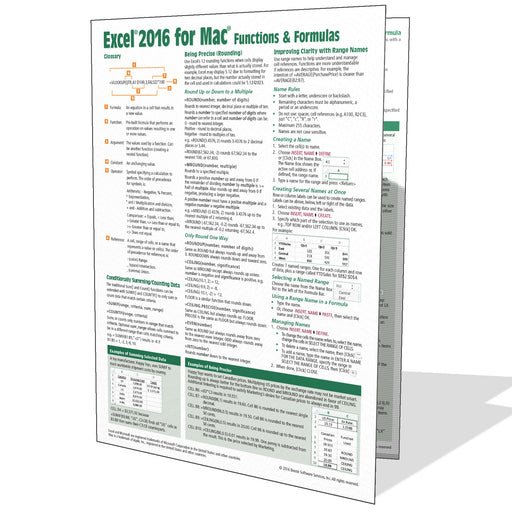
View full detailsGeared toward the intermediate to advanced Excel 2016 for Mac user, this example-rich 4-page laminated Excel 2016 for Mac quick reference card/guid...
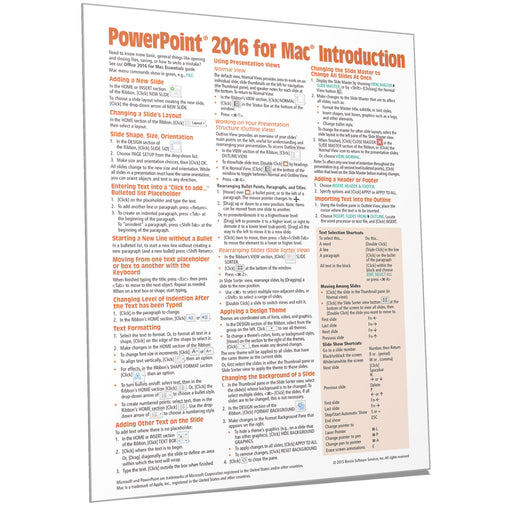
View full detailsLaminated quick reference card showing step-by-step instructions and shortcuts for how to use Microsoft PowerPoint 2016 for Mac to create impressiv...
View full details