
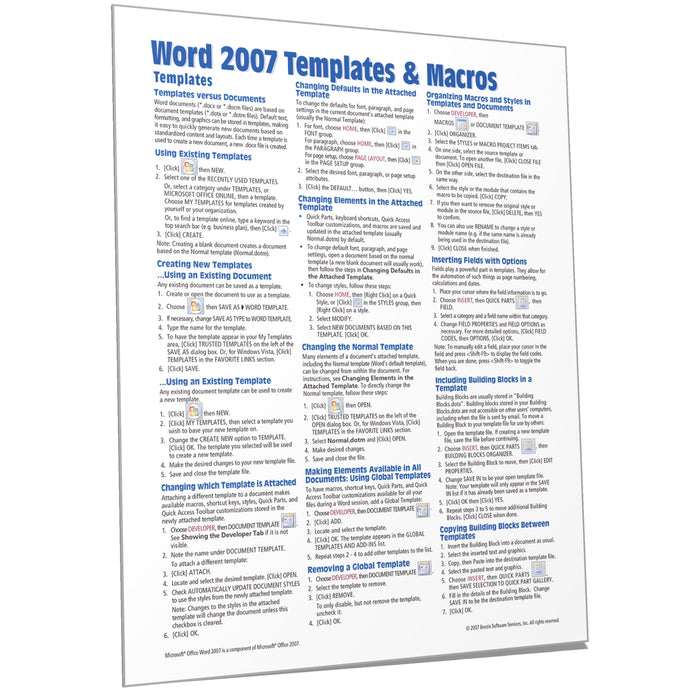
Word 2007 Templates & Macros Quick Reference
Quantity Discount
We offer quantity discounts at 50, 100, and 500+ .
Please email: orders@beezix.com
Laminated quick reference guide showing step-by-step instructions and shortcuts for how to use macros and template features of Microsoft Office Word 2007. Need version 2010? This guide is also available in French. The following topics are covered:
Templates: Templates vs. Documents, Using Existing Templates, Creating New Templates, Changing which Template is Attached, Changing Defaults in the Attached Template, Changing Elements in the Attached Template, Changing the Normal Template, Making Elements Available in All Documents: Using Global Templates, Removing a Global Template, Organizing Macros and Styles in Templates and Documents, Inserting Fields with Options, Including Building Blocks in a Template, Copying Building Blocks Between Templates, Moving Building Blocks Between Templates, Creating a Custom Building Block, Creating Building Block Libraries.
Macros: Showing the Developer Tab, Recording a Macro, Naming a Macro, Renaming a Macro, Creating a Macro without Recording, Editing Macros, Running Macros, Documenting Macros, Assigning Macros to the Quick Access Toolbar and Shortcut keys, Auto Macros, Calling Another Macro, Deleting Macros, Setting Macro Security, Getting Help on Visual Basic.