
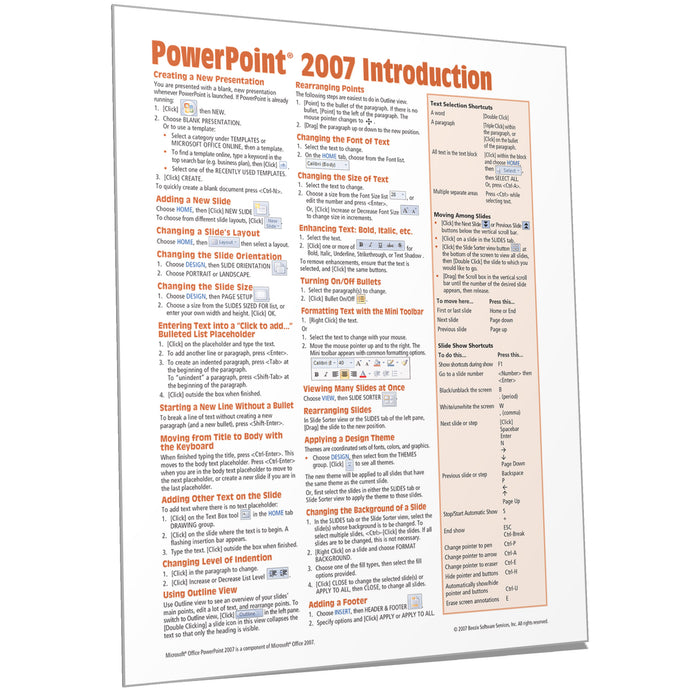
PowerPoint 2007 Introduction Quick Reference
Quantity Discount
We offer quantity discounts at 50, 100, and 500+ .
Please email: orders@beezix.com
Laminated quick reference card showing step-by-step instructions and shortcuts for how to use Microsoft Office PowerPoint 2007. Need version 2010?
This guide is also available in French, German, Brazilian-Portuguese, Spanish, Chinese, Japanese, and Korean.
The following topics are covered:
Creating a New Presentation, Adding a New Slide, Changing a Slide's Layout and Orientation, Slide Size, Entering Text, Starting a Line without a Bullet, Adding Other Text on the Slide, Changing Level of Indention, Using Outline View, Rearranging Points.
Text Formatting: Font, Size, Enhancements, Bullets, Formatting Text with the Mini Toolbar.
Viewing Many Slides at Once, Rearranging Slides, Applying Design Themes, Changing Background of a Slide, Footers, Using the Slide Master, Suppressing Slide Master Elements on Certain Slides.
Adding Clip Art and Other Graphics, Resizing Graphics. Creating Graphs, Creating Org Charts, Drawing Shapes, Resizing and Moving Shapes, Selecting Shapes, Duplicating Shapes, Speaker Notes.
Printing, Running a Slide Show, Transition, Timing, Animating an Object, Previewing Object and Page Animations, Changing Slide Show Settings
Also includes: Lists of Selection, Movement, and Slide Show Shortcuts.