


Click or scroll to zoom
Tap or pinch to zoom
Excel 2007 Advanced & Macros Quick Reference
$3.60
ISBN 978-1-934433-63-8
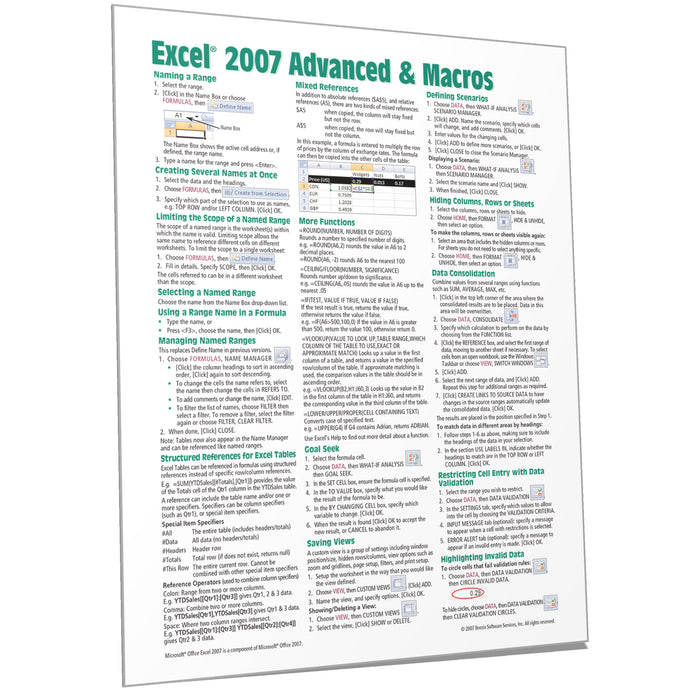
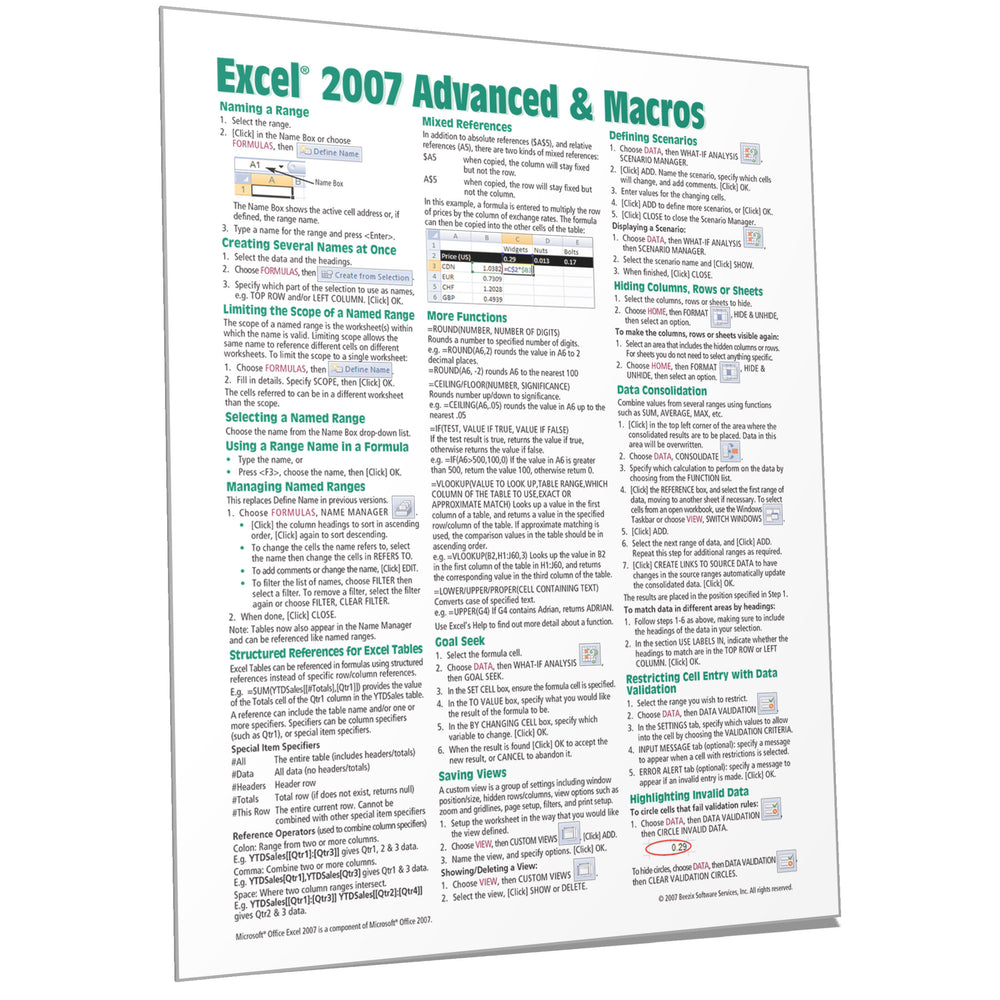
Laminated quick reference guide showing step-by-step instructions and shortcuts for how to use advanced features and macros in Microsoft Office Excel 2007. See topics below. Need version 2010?
This guide is also available in French.
The following topics are covered: Range Names - Naming a Range, Creating Several Names at Once, Limiting the Scope of a Named Range, Selecting a Named Range, Using a Range Name in a Formula, Managing Named Ranges, Structured References for Excel Tables; Mixed Reference; More Functions; Goal Seek; Saving Views; Defining Scenarios; Hiding Columns, Rows, or Sheets; Data Consolidation; Restricting Cell Entry with Data Validation; Highlighting Invalid Data; Conditional Formatting; Conditional Formatting Rules Manager; Protecting/Unprotecting Worksheets; Password Protecting Specific Cells. Macros: Showing the Developer Tab; Recording & Running a Macro; Naming a Macro; Relative vs. Absolute Recording; Documenting Macros; Assigning a Macro to the Quick Access Toolbar; Automatic Macro Execution; Creating a Macro without Recording; Calling another Macro, Setting Macro Security; Getting Help on Visual Basic; Creating a Function Procedure.
This guide is also available in French.
The following topics are covered: Range Names - Naming a Range, Creating Several Names at Once, Limiting the Scope of a Named Range, Selecting a Named Range, Using a Range Name in a Formula, Managing Named Ranges, Structured References for Excel Tables; Mixed Reference; More Functions; Goal Seek; Saving Views; Defining Scenarios; Hiding Columns, Rows, or Sheets; Data Consolidation; Restricting Cell Entry with Data Validation; Highlighting Invalid Data; Conditional Formatting; Conditional Formatting Rules Manager; Protecting/Unprotecting Worksheets; Password Protecting Specific Cells. Macros: Showing the Developer Tab; Recording & Running a Macro; Naming a Macro; Relative vs. Absolute Recording; Documenting Macros; Assigning a Macro to the Quick Access Toolbar; Automatic Macro Execution; Creating a Macro without Recording; Calling another Macro, Setting Macro Security; Getting Help on Visual Basic; Creating a Function Procedure.